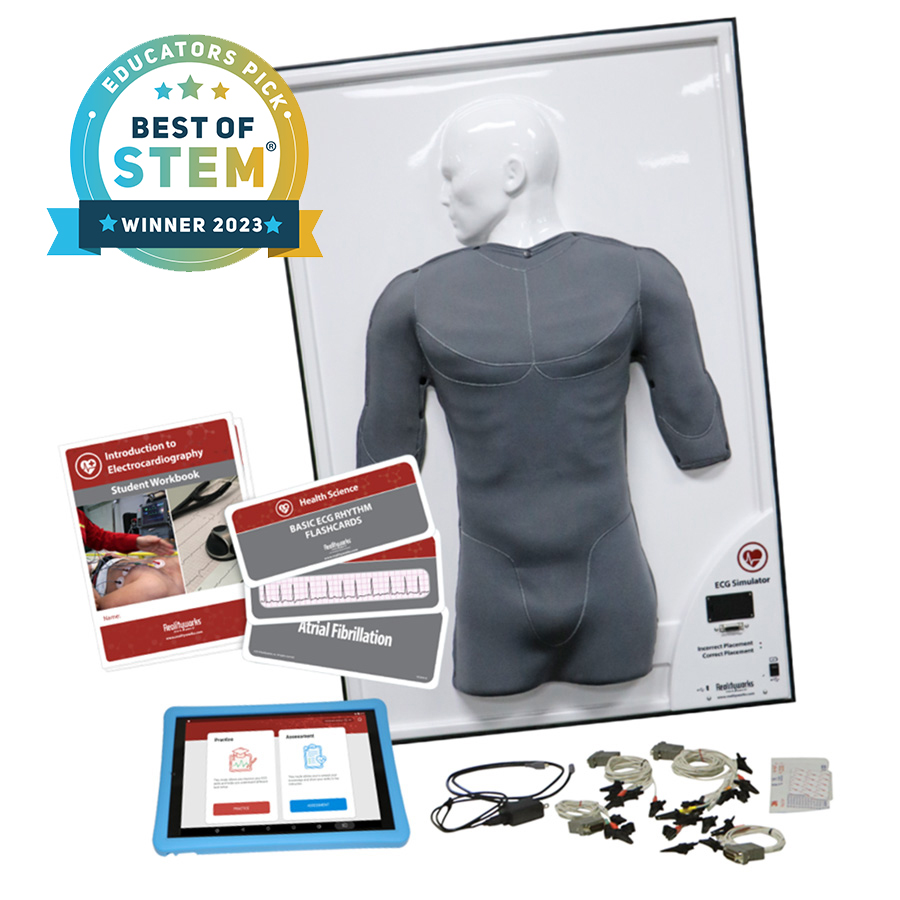
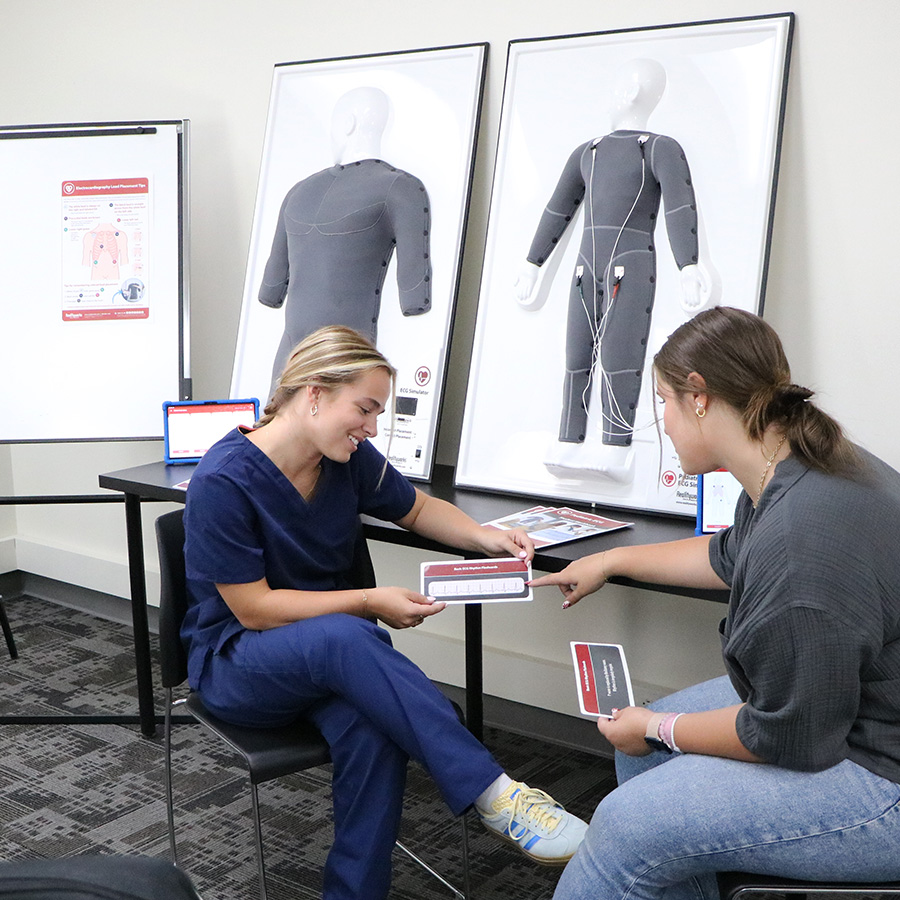
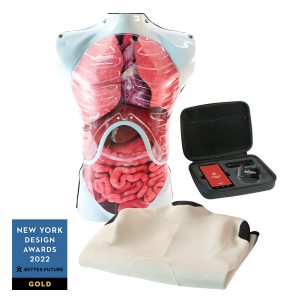
The ECG Simulator is an award-winning, unique teaching tool designed to provide students with hands-on experience in ECG/EKG lead placement and rhythm interpretation. This simulator allows students to practice accurate lead placement through rib palpation and gain familiarity with interpreting 3-, 4-, 5-, and 12-lead rhythms.
With its software and curriculum, the simulator offers individual practice and assessment opportunities to strengthen rhythm reading and lead placement skills. Students will not only practice recognizing rhythms on both screen and hard copy but will also learn techniques for avoiding common errors.
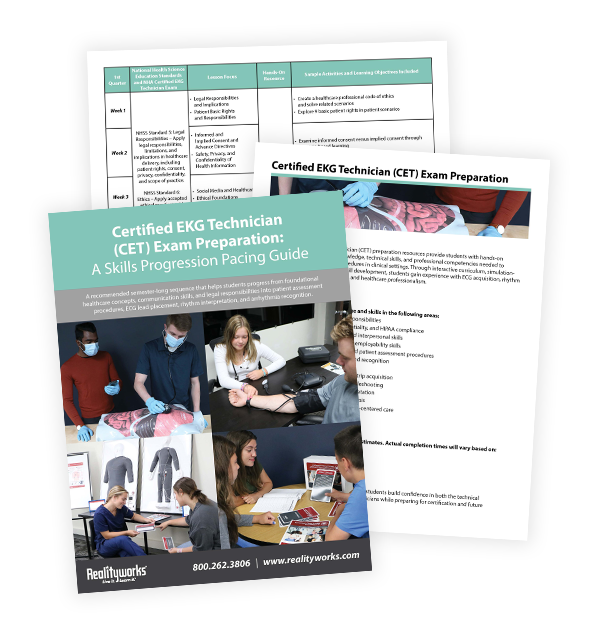
This guide provides a recommended semester-long sequence that helps students progress from foundational healthcare concepts, communication skills, and legal responsibilities into patient assessment procedures, ECG lead placement, rhythm interpretation, and arrhythmia recognition.
Printable Electrocardiography Lead Placement Tips skills poster
Storage case
Downloadable Introduction to Electrocardiography Curriculum
1-year limited warranty
Curriculum
Introduction to Electrocardiography
Lesson topics:
1. Electrocardiograms (ECG) Basics
2. Interpretation of ECGs
3. Common Arrhythmias
Teaching hours: 2-3
Includes: Presentations slides, student activities, and assessments Aligns to: National Center for Competency Testing’s ECG Technician Certification Exam, NCET National Certified ECG Technician Detailed Test Plan, NCHSE, NHSS, AACN, QSEN, INACSL Healthcare Simulation Standards of Best Practice, NCSBN, and CAAHEP
No play store or app store connection is necessary
Smart device comes preloaded with ECG software
Wi-Fi
Wi-Fi is enabled by default only to facilitate access to Realityworks.com product support.
Product can run without Wi-Fi capabilities and can be locked down by school IT staff at their discretion.
Software Updates
Software updates are not planned but may happen in the future to fix bugs or to add features
Possible future software updates to fix bugs or make minor improvements will be provided at no cost
Software updates would likely be available as a download. If Wi-Fi access is not permitted, an SD card could be provided
Features
Smart device provides immediate feedback on electrode placement for 3-, 4-, 5-, and 12-lead configurations
Electrodes and wires are those used in professional practice
Smart device can project rhythms for classroom discussion
Flashcards provide visuals of rhythms and written descriptions
Use for formative learning in practice mode and summative assessment in testing mode
Content addresses Domains 2 and 3 of the certified ECG Technician exam
Workbooks, flashcards and simulator with tablet provide opportunities for creative classroom management
Flexible curriculum lets instructors go as deep as needed
Curriculum includes pre-activities, instructor presentations, and assessments
Use the simulator and smart device together to practice both lead placement and rhythm interpretation. Or use the simulator alone to practice lead placement, and the tablet alone to practice rhythm identification and assessment
FAQs
What does teaching with the ECG Simulator look like?
Get a full walkthrough of how the simulator is implemented and used in the classroom with the video below.
Career Preparation
What careers can this ECG Simulator help students prepare for?
Potential job opportunities include: electrocardiogram (EKG/ECG) technician, electrocardiograph aide, cardiac monitor technician, cardiac monitor technician, cardiographic technician, rhythm analysis technician, telemetry monitor technician, and medical assistant.The median average salary for an EKG technician ranges from $55,500 to $80,000 a year.
What classes is the ECG Simulator often used in?
The ECG Simulator can help students prepare for the Certified EKG Technician (CET) examination offered by the National Health Career Association (NHA). Any class that offers practical clinical or critical care would benefit from practicing with this simulator. Students training to become a registered nurse, nurse practitioner, paramedic, and BLS/EMT can use this simulator to learn the principles of electrocardiography.
It is recommended to use electrodes supplied by Realityworks (3M 2330 series), as the adhesive will not damage the simulator surface. Replacement parts can be purchased on our website, ECG Electrodes Supply Pack (Qty 100). If using electrodes not supplied by Realityworks, it is recommend to try adhesion on a non-critical area to ensure the adhesion will not damage the simulator surface.
What comes with the app on the smart device?
The app includes a library of 16 default practice and assessment rhythms to improve ECG skills and assess students’ knowledge. The rhythms include: asystole, atrial fibrillation, atrial flutter, bradycardia, first degree heart block, left bundle branch block, normal sinus rhythm, premature atrial contractions, premature ventricular contractions, right bundle branch block, second degree heart block, supraventricular tachycardia, tachycardia, third degree heart block, ventricular fibrillation, and ventricular tachycardia.
Can the smart device access Wi-Fi?
Yes! However, you do not need to use Wi-Fi to use the ECG app.
Can the smart device screen cast and take screenshots?
Yes, the smart device has both of those functions.
Can the instructor customize the assessments?
Yes! The instructor can choose from a variety of lead placement scenarios, thus creating a variety of assessment options to test students’ skills.
What languages are available in the app?
The smart device display language options include English and Spanish.
How do you know if the lead is placed correctly or incorrectly?
The corresponding lead signal on the app will display red for incorrect placement and green for correct placement.
How do I clean my ECG Simulator?
Use alcohol and a soft cloth as needed. Do NOT use water on the simulator.
Is there a certificate of completion?
Yes! Teachers can download a certificate of completion once the student has completed the included Introduction to Electrocardiography curriculum.
How many simulators would you recommend for a 20-student classroom?
We recommend two simulators for a 20-student classroom.
Do you offer product support?
Yes! Our product support team is available M-F 8am-5pm Central Time via phone, email, or chat. Contact customer support here.
The ECG Simulator works wonders to teach the CCMA Students ECG placement. It is easy for the teacher to operate and gets real feedback to assess the student’s performance on lead placements. The instructional materials are very helpful to teach cardiac rhythms as well. Realityworks stands by their tools and is there if you have any issues. We are glad to have this in our classroom.
Rated 5 out of 5
Shauna L. –
The EKG simulator which my students call “Steve” has been an integral part of my instruction. The set up was easy. The software is very user friendly. Shortly after purchasing the unit, the skin on the unit began to deteriorate. I reached out to Reality works customer service department and within a week, I was sent a new simulator. I have no issues with the new simulator. My students enjoy using it. Fast, friendly and exceptional customer service.
Rated 5 out of 5
David –
This has been a great addition to our classrooms, especially when our students were not able to participate in their clinical rotations. We just recently started implementing the EKG Certification in the Health Science Theory/Clinical Rotations course and this was a great learning tool to help students practice before having to complete their required ‘live’ EKG’s.










Teresa Cassell –
The ECG Simulator works wonders to teach the CCMA Students ECG placement. It is easy for the teacher to operate and gets real feedback to assess the student’s performance on lead placements. The instructional materials are very helpful to teach cardiac rhythms as well. Realityworks stands by their tools and is there if you have any issues. We are glad to have this in our classroom.
Shauna L. –
The EKG simulator which my students call “Steve” has been an integral part of my instruction. The set up was easy. The software is very user friendly. Shortly after purchasing the unit, the skin on the unit began to deteriorate. I reached out to Reality works customer service department and within a week, I was sent a new simulator. I have no issues with the new simulator. My students enjoy using it. Fast, friendly and exceptional customer service.
David –
This has been a great addition to our classrooms, especially when our students were not able to participate in their clinical rotations. We just recently started implementing the EKG Certification in the Health Science Theory/Clinical Rotations course and this was a great learning tool to help students practice before having to complete their required ‘live’ EKG’s.