The following information is a quick reference to existing product elements. Our product development team should consider these solutions for branding options, labels, print material assets, and storage to ensure consistency from one product to the next. Whenever possible, these solutions should be used, but each new product is not limited to fit within these suggestions.
Product branding guidelines:
All products will be branded with the following items:
- Realityworks full/primary logo
- Product name (see product type and branding options below for examples)
Branding Options:
- Primary Realityworks Logo
– Whenever possible the primary logo should be used.
– See additional branding guidelines <here>.
– Controlled logo files accessible upon request:
1069511-01 Realityworks Logo (2-color, black or white options)
1069512-01 Realityworks Web Address Logo (2-color, black or white options)

- Secondary Realityworks Logo (the Realityworks Rising Star)
Intended to be used in product molding to help secure our design intellectual property.
– Used if the scale is too small to clearly display the primary logo.
– Used if the product material requires a simple/straight forward mark for visual clarity.
– Controlled files accessible upon request:
1069382-01 Secondary Realityworks Logo (black or white options)
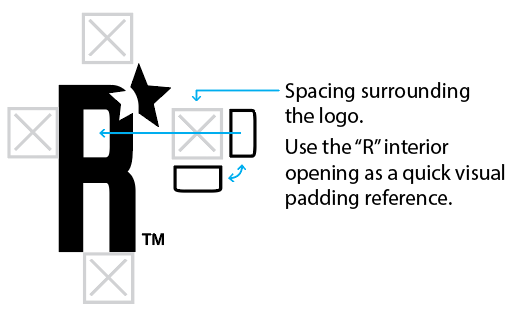
NOTE: This graphic (the Realityworks Rising Star) was created using key elements of the primary Realityworks logo. The secondary logo should always be paired with the Primary Realityworks Logo whenever possible (somewhere on the product, accessories or accompanying printed materials) to help our customers understand this new branding option.
Product type and branding options:
Purchased to sell models:
- Standard model label option 2: 2″ x 1.5″ (0.0625″ corner rounds)
- Standard model label option 1: 3.0625″ x 0.56″ (0.0625″ corner rounds)

Example: Cow Model label
NOTE: Purchased to sell models (that can not be directly branded with a label because of adhesive issues or size) can have a box label.
Manikin bracelet:
- Standard Realityworks branding plus a product name label added to the bracelet (2 sizes: adult and infant)

Example: Bariatric Nursing Manikin bracelet with label
Internally developed models and simulators (see similar previously developed product examples, when possible, for consistency)
- Tooled Branding (see Branding Options above for a Realityworks Secondary Logo option)
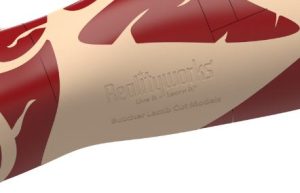
Example: Butcher Lamb Cut Models (branding set into the mold) - Custom Label

Example: Swine Breeder - Kit Labels: see Corrugated Carrying/Storage Cases below for options (branded with an Exterior Label and an Interior Instructor label or Interior Quick Start Guide Label)

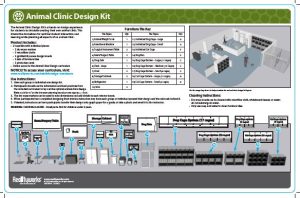
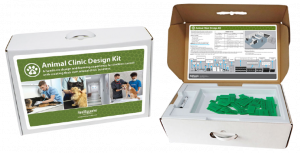
Example: Animal Clinic Design Kit (Exterior Label and Interior Quick Start Guide Label – custom sized with .5″ surrounding spacing to ensure fit)
NOTE: Kit items should be individually branded if essential to the product function. - Product Storage Case Labels: see Other Storage Case Options below (standard branding with optional add-on product name labels)
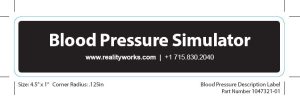
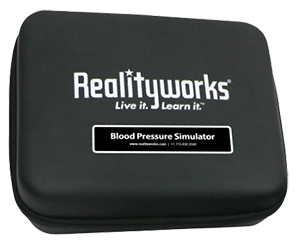
Example: Blood Pressure Simulator (general purpose case with standardized case product name label – 4.5″ x 1″ .125 corner radius) - Bundled (shrink wrapped) Print Materials: 2″ x 1″ label (branding, part number, and product name)

Example: Swine Kit Poster Set label
NOTE: Bundled materials are also individually branded. See product print material standards below. Student workbooks do NOT receive an additional bundling label.
Product print material standards:
All print material design and layout consistency is maintained with the use of templates and brand guidelines. Digital versions of each will be created with the same layout sizes.
Guides:
- Quick Start Guide
A medium-length guide that covers all the information a customer needs to use all the features of a product. Quick Start Guides include a description of the product, list of contents, warnings, parts identification, and cleaning and basic use instructions.
– Paper Insert (5.5″ x 8.5″)
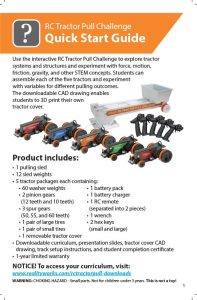
Example: RC Tractor Quick Start Guide
– Interior Box Label (sized to box panel – 1/2″ tolerance around all sides or smaller)
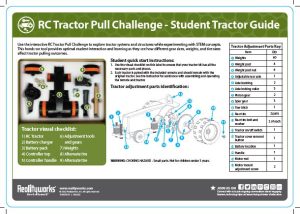
Example: RC Tractor Interior Box Label (aka – Student Tractor Guide) - Instructor Guide
A brief guide with a description of the product, a list of contents, and sometimes a brief set of instructions or parts identification. These are mainly used for products with curriculum or a basic model as the main selling point, rather than a simulator or interactive model.
– Paper Insert (5.5″ x 8.5″)
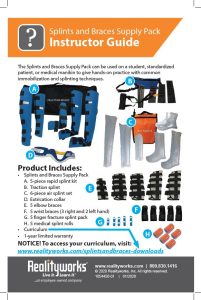
Example: Splints and Braces Supply Pack Instructor Guide
– Interior Box Label (sized to box panel – 1/2″ tolerance minimum around all sides)
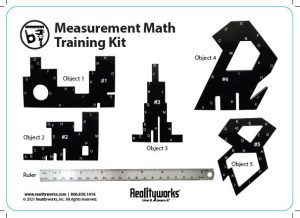
Example: Measurement Math Instructor Guide Label - Help Guide
An in-depth guide that covers all features of particularly complex product software. It’s often used alongside a Quick Start Guide that explains how to use the hardware and the basic software features.
– Download
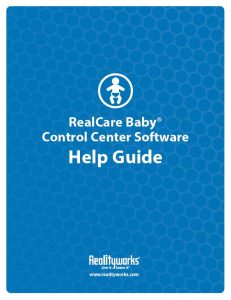
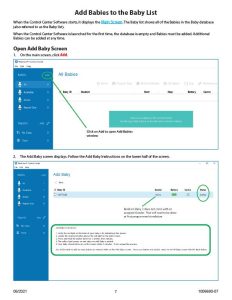
Example: RCB Control Center Software Help Guide
Curriculum:
- Curriculum (standard 8.5″ x 11″ formatting)
– Download
– Can be printed and spiral-bound
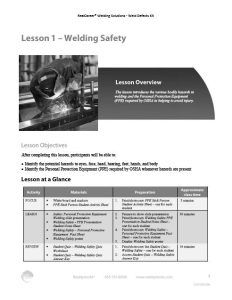
Example: Welding Safety Curriculum (standard template for all areas)
Note: Interior pages can be designed in color but are always printed in black and white on hard copies.
- PowerPoint Slides (standard sizing)
– Download
Workbooks:
- Student Workbooks/Exercises
– Printed and saddle stapled (standard 8.5″ x 11″) – consumable
– Can be a download to print option
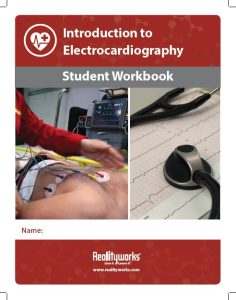
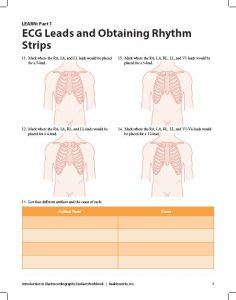
Example: Intro to Electrocardiography Student Workbook (cover and interior page)
Note: Interior pages can be designed in color but are always printed in black and white on hard copies. - Student Workbook Answer Key
Not all student workbooks need a separate answer key document. You can also provide the answers in the curriculum.
– Download (same layout as student workbooks – with answers)
Student Activities:
- Activity Sheet
A one-sheet activity for simple models sometimes used as an alternative to a full curriculum.
– Download to print (standard 8.5″ x 11″)
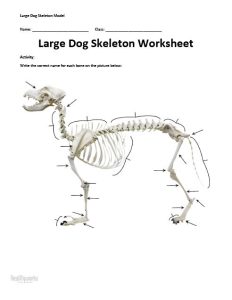
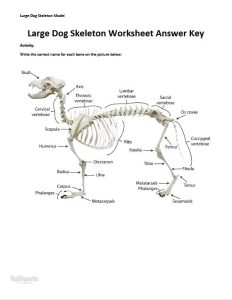
Example: Large Dog Skeleton Worksheet and Answer Key (aka – Activity Sheet)
Cards:
- Flashcards
A set of printed cards with an image on one side and information about the image on the other.
– Print or download (5.5″ x 8.5″ with .375″ corner round)

Example: Sheep Kit Breed ID flashcards - Scenario Cards
Printed cards (5.5″ x 8.5″ with .375″ corner round) with a scenario on one side and key roles and questions pertaining to the scenario on the other side.

Example: Dental PPE and Sterilization Scenario Cards - Trivia Cards
Printed cards (4.5″ X 6” with .375″ corner round) with a word or term on one side and information about the word/term on the other.
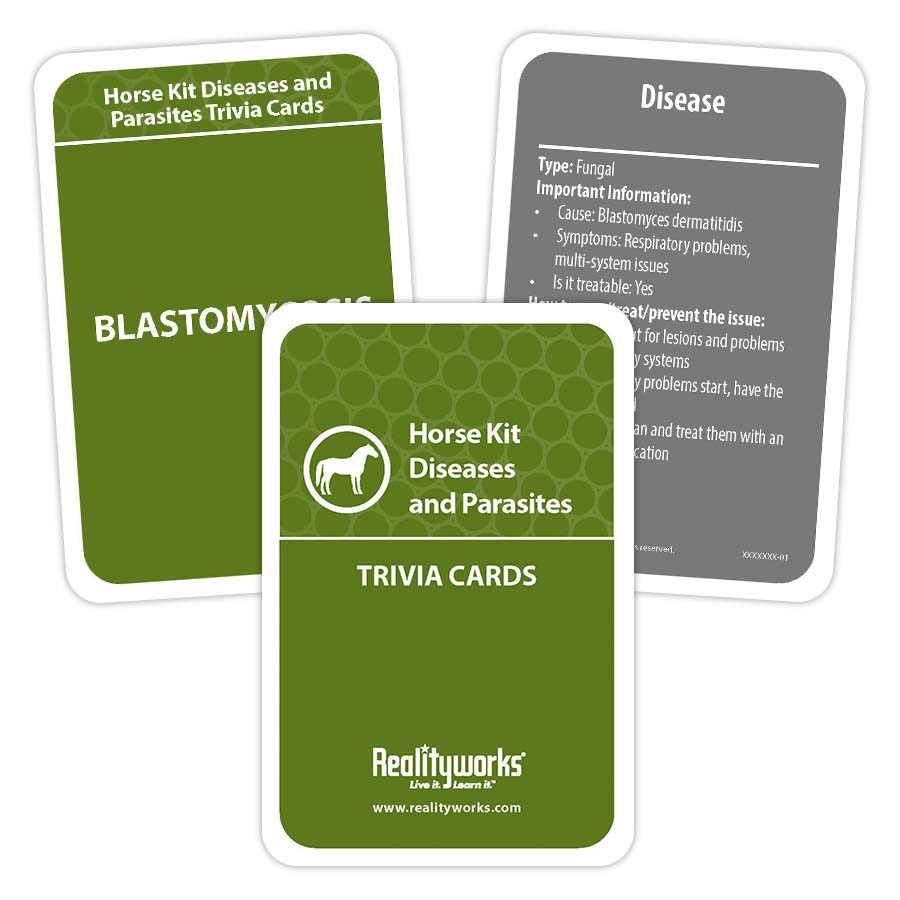
Example: Horse Kit Diseases and Parasites Trivia Cards - Vocabulary Cards
– Downloadable cards (sizes may vary – multiple per standard printing paper) with terms on one side and definitions on the other.
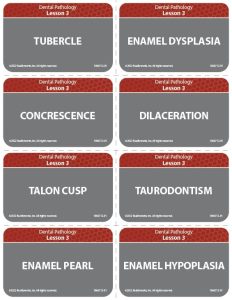
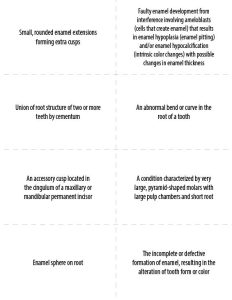
Example: Dental Anatomy Vocabulary Cards
Posters:
- Classroom Poster
A large, printed poster meant to be displayed in the customer’s classroom.
– Printed (20″ x 28.5″)
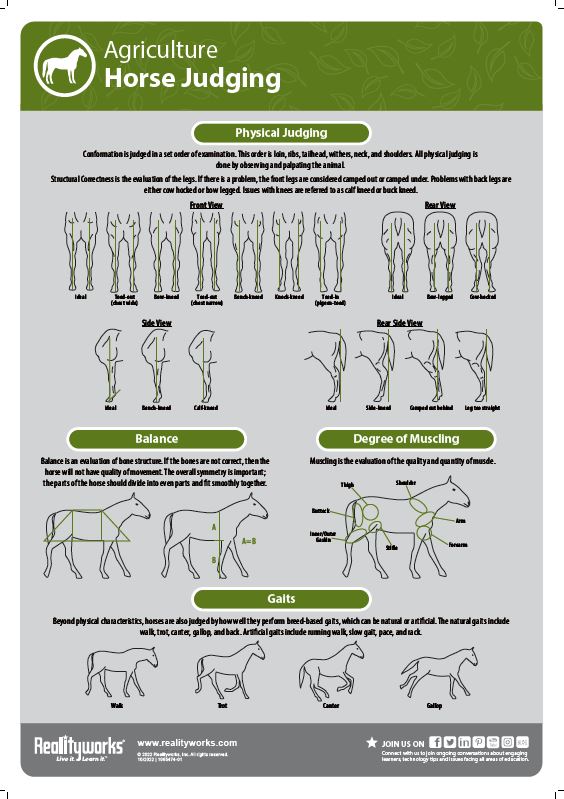
Example: Horse Kit judging poster
- Workstation Poster
A small poster that can be printed or downloaded. It’s meant to be displayed at workstations throughout the classroom.
– Printed (11″ x 17″)
– Download (11″ x 17″)
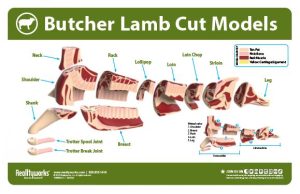
Example: Butcher Lamb Cut Models poster
Product Download Page:
Coming soon.
Corrugated Carrying/Storage Cases:
Product corrugated carrying/storage cases are customized to fit each product. Labels are designed to fit each box with a minimum of .5″ surrounding space to ensure consistency in fit.
Corrugated carrying case with handle option – WHITE ONLY
Example: Animal Clinic Design Kit with external label and internal quick start label
NOTE: See product specific label specs for additional design and print information.
Corrugated storage case (without handle) option – WHITE ONLY
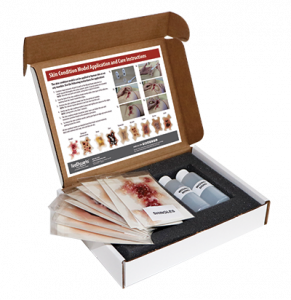
Example: Geriatric Skin Conditions with internal quick start label
NOTE: See product specific label specs for additional design and print information.
Corrugated literature based product storage case (without handle) option – WHITE ONLY

Example: Contemporary Entrepreneurship Program with external label (upright box to hold standard 8.5″ x 11″ print materials)
NOTE: See product specific label specs for additional design and print information.
Other Storage Case Options:
Each case should have generic Realityworks branding and a product name label (whenever possible).
| Case | Size | Add-on Label Size | Product Example |
|---|---|---|---|
| 1062040 Portable Black Carrying Case | 229 mm x 203 mm x 89 mm | 4.5″ x 2.75″ (.125″ rounded corners) | Auscultation Trainer electronics case |
| 1061080 General Purpose Case | 8″ x 8″ x 2.5″ | 4.5″ x 1″ (.125″ rounded corners) | Blood Pressure Simulator |
| 1042150 Multi Product Case | 11″ x 9″ x 4″ | N/A | N/A |
| 1063260 Garment Bag with Hanger | 590 mm x 790 mm x 110 mm | N/A | Wearable Auscultation Trainer |
| 1063260 Black Canvas Duffle Bag | 775 mm x 457 mm x 241 mm | N/A | Auscultation Trainer |
NOTE: See product specific label specs for additional design and print information.