What grade levels is the DataSnap Motion Sensor designed for?
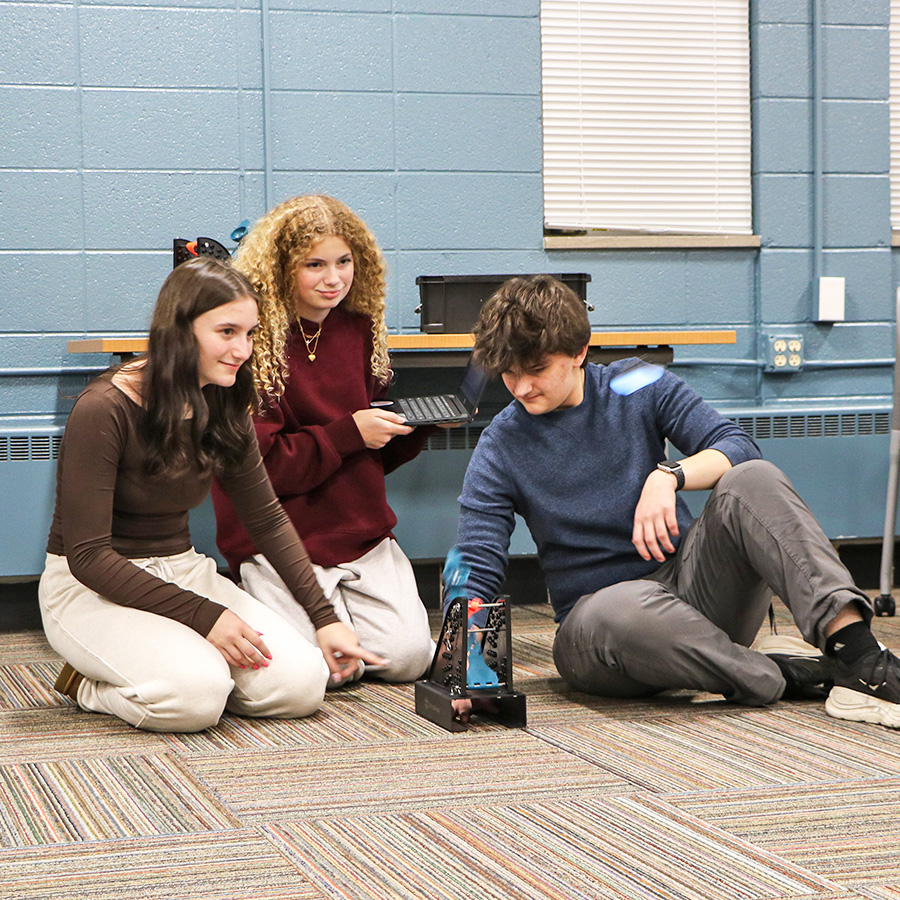
The DataSnap Motion Sensor is ideal for upper elementary, middle, and high school students exploring STEM, physics, and engineering concepts.
How does this sensor differ from traditional data collection methods?
The DataSnap Motion Sensor drives engagement by making setup and operation easy. Moving beyond the stopwatch and calculator of the past, the sensor collects, calculates, and presents accurate data directly to students, allowing them to deeply engage in the iterative engineering design process.
What data does it collect?
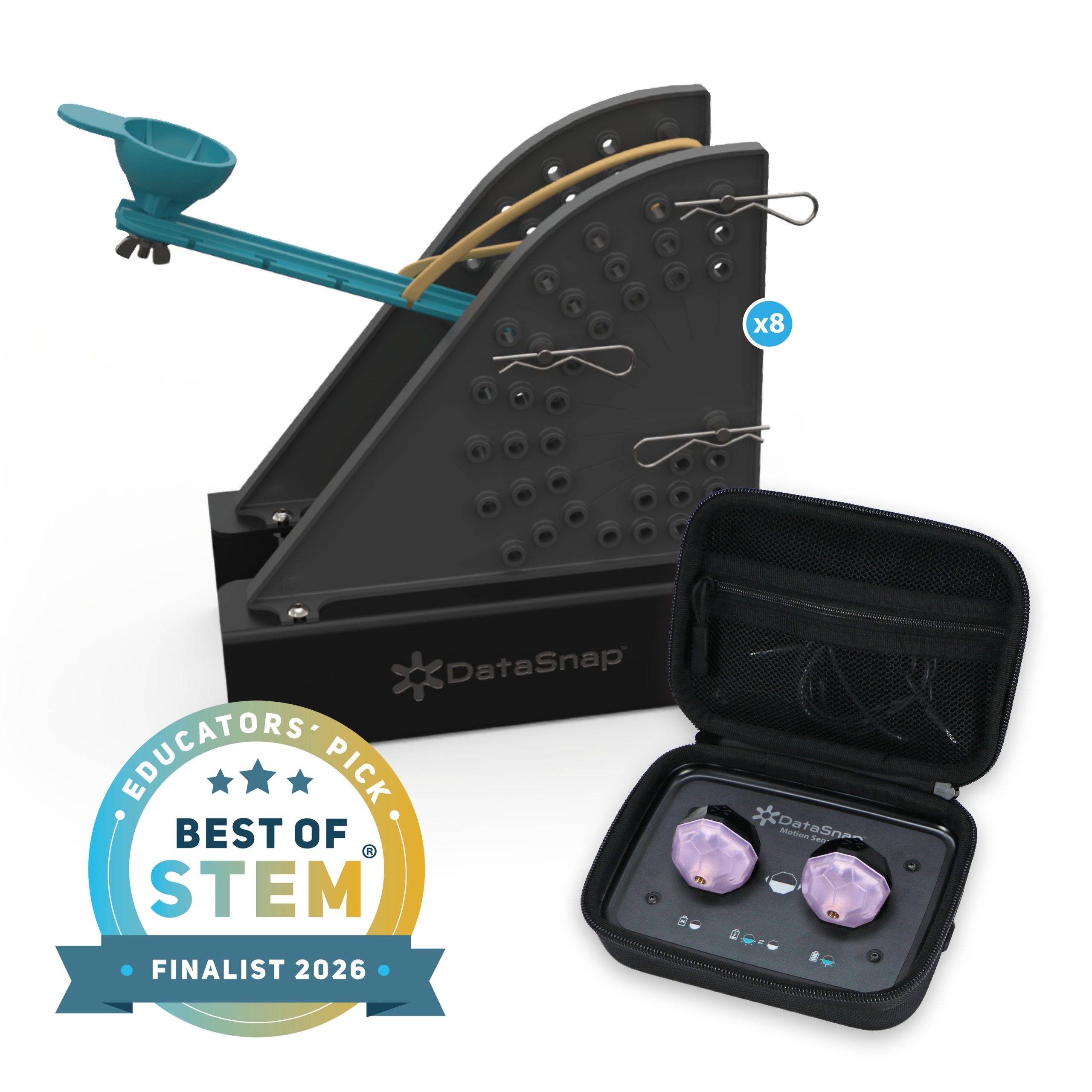
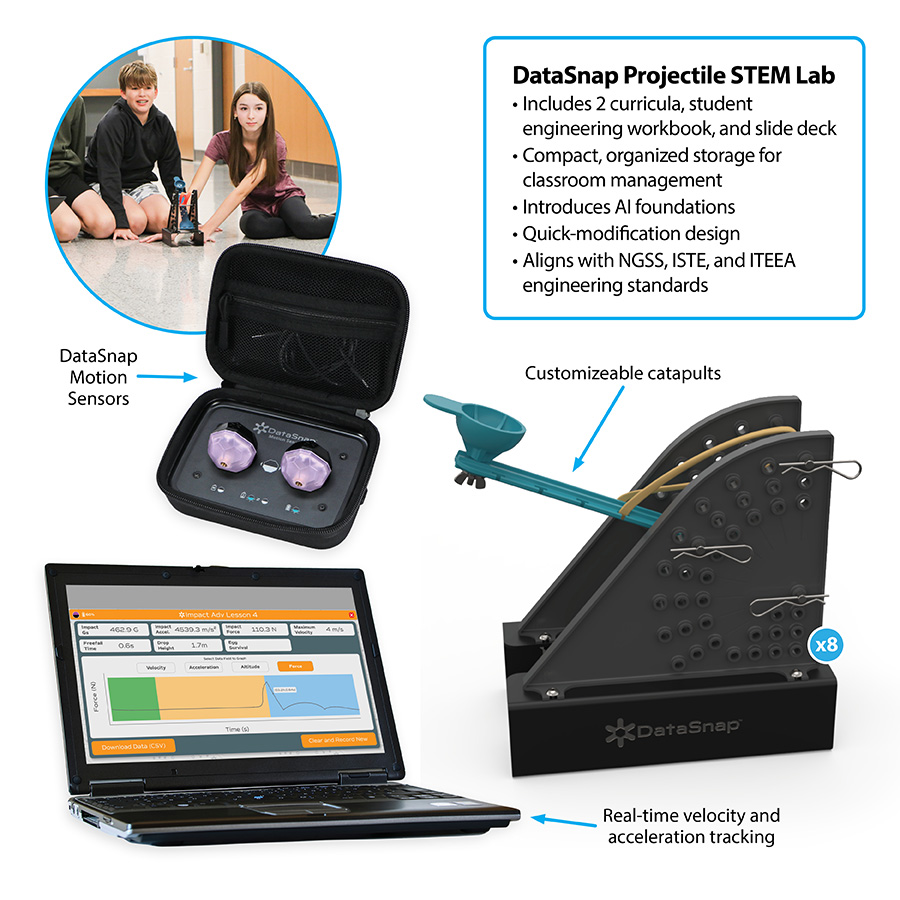
Using multiple integrated sensors and advanced algorithms, the DataSnap Motion Sensor measures and displays values of position, velocity, acceleration, and force data. Results are presented through easy-to-read graphs in the free DataSnap app.
How do students access the data?
Students connect the sensor to the free DataSnap app using Bluetooth® technology. The app displays lesson-specific data and visualizations that help students analyze results and make design improvements.
How many students can use the sensor?
The wireless design makes it easy to share sensors among student teams. While classroom needs vary, we generally recommend two to eight sensors per class.
What is the difference between the Standard and Advanced Curriculum?
The Standard Curriculum focuses on building conceptual understanding, while the Advanced Curriculum incorporates algebra-based math skills for deeper analysis and application.
Is teacher training or support included?
Each STEM Lab (sold separately) includes two curriculum levels, student-facing lesson slide presentations, printable student engineering workbooks, and a teacher guide designed for easy classroom implementation.
What devices does the DataSnap app work on?
The DataSnap app works in Google Chrome and Microsoft Edge on Chromebooks, laptops, desktop computers, and select tablets. It is supported on Windows and Mac operating systems but does not operate on iOS.
What other program support do you provide?
We provide free webinars, blogs, and classroom resources to help educators successfully implement STEM learning experiences.
What STEM Labs does this DataSnap Motion Sensor work with?
The DataSnap Motion Sensor is compatible with multiple DataSnap STEM Labs. For a complete comparison, see the DataSnap Comparison Chart.
DataSnap Comparison Chart
What hardware is required?
You will need a Bluetooth-enabled Chromebook, laptop, or desktop computer with internet access and either the Chrome or Edge browser.
Are student accounts required?
No. The DataSnap app does not require user accounts, and student data is not stored.
What happens if the sensor is dropped?
The sensor is engineered to withstand the drops and impacts specified in the curriculum activities.
How do you charge the sensor?
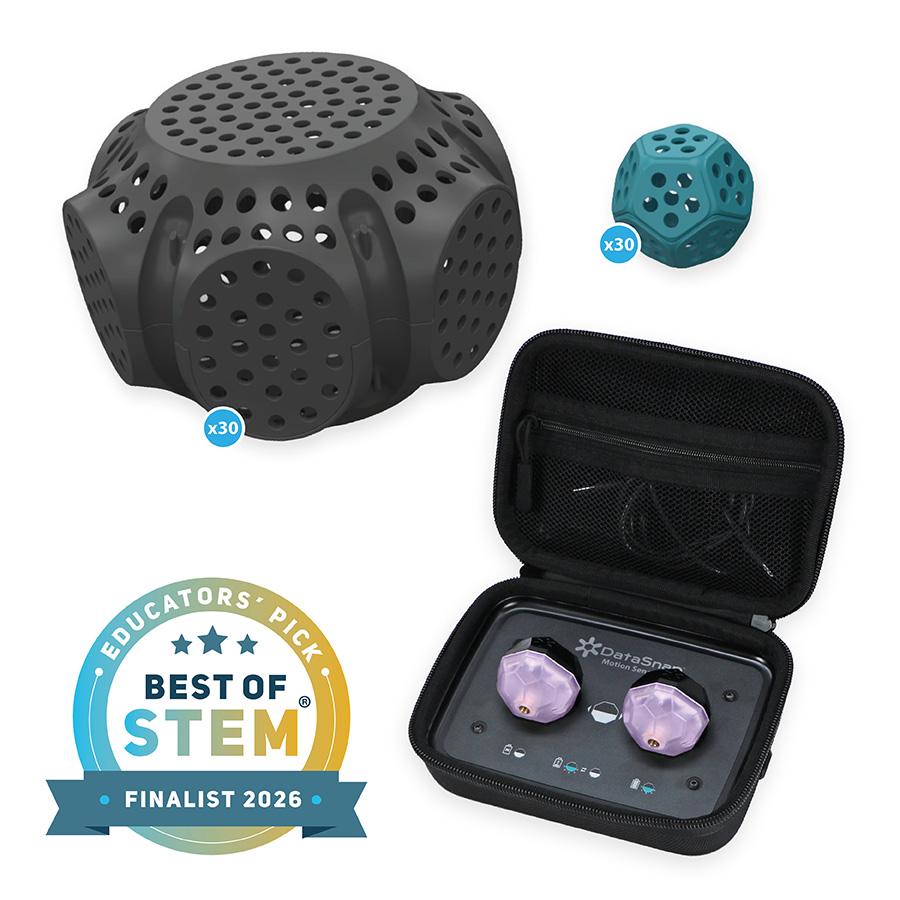
Place the sensor into the magnetic charging dock.
How long will the battery last?
Each sensor’s battery will last six hours when fully charged. We recommend using the charging cases as a “Pairing Station” in the classroom, where students bring their device to be paired with the sensor.
How do students know which sensor they are paired to?
When paired, the sensor’s LED lights match the color shown in the DataSnap app. Students can also select the sensor icon in the app to flash the sensor light and confirm the connection.
How does the sensor perform updates?
Sensor firmware updates are delivered through the DataSnap app when available. The app will notify the user when an update is needed.
How many devices can a sensor connect to at once?
Each sensor can only connect to one device at a time. Placing the sensor on the powered charging case will disconnect the Bluetooth connection.
What is the range between the device and sensor?
The typical operating range is approximately 30 feet (9 meters).
What happens if the sensor moves out of range?
The app may indicate that the connection has been lost. Move the sensor closer to the device and reconnect through the pairing process.





Reviews
There are no reviews yet.