Contents
- Access to expert-led CAD tutorial videos for Tinkercad, Autodesk Fusion 360, and SolidWorks
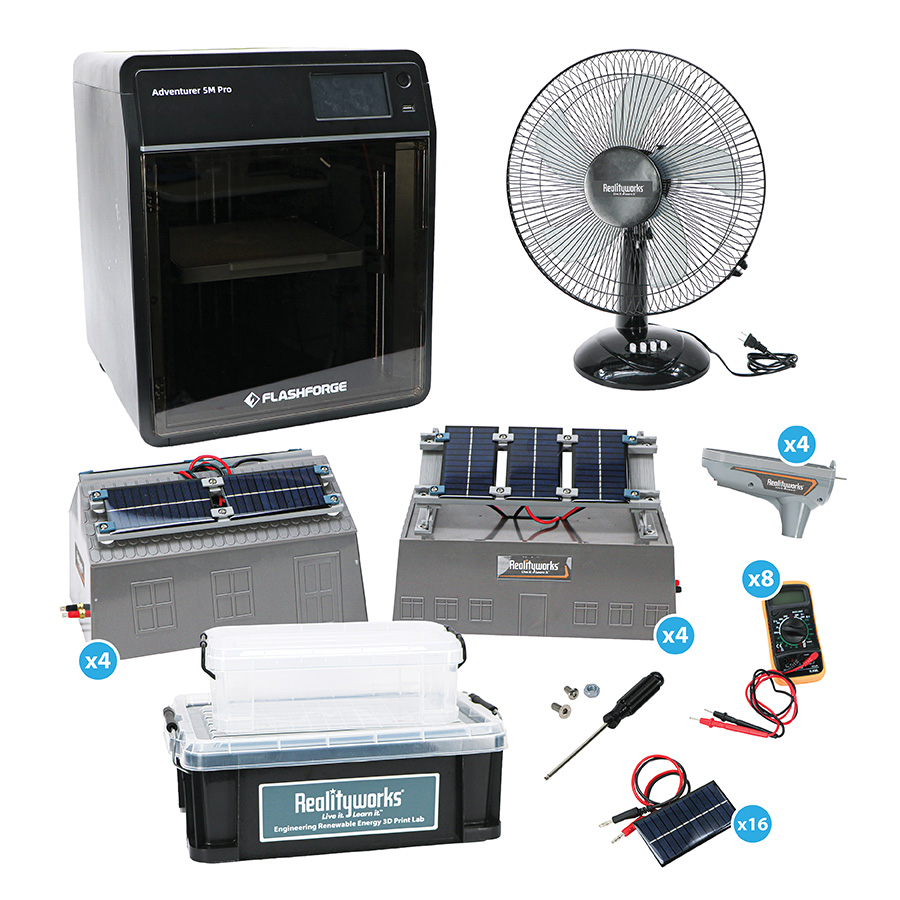
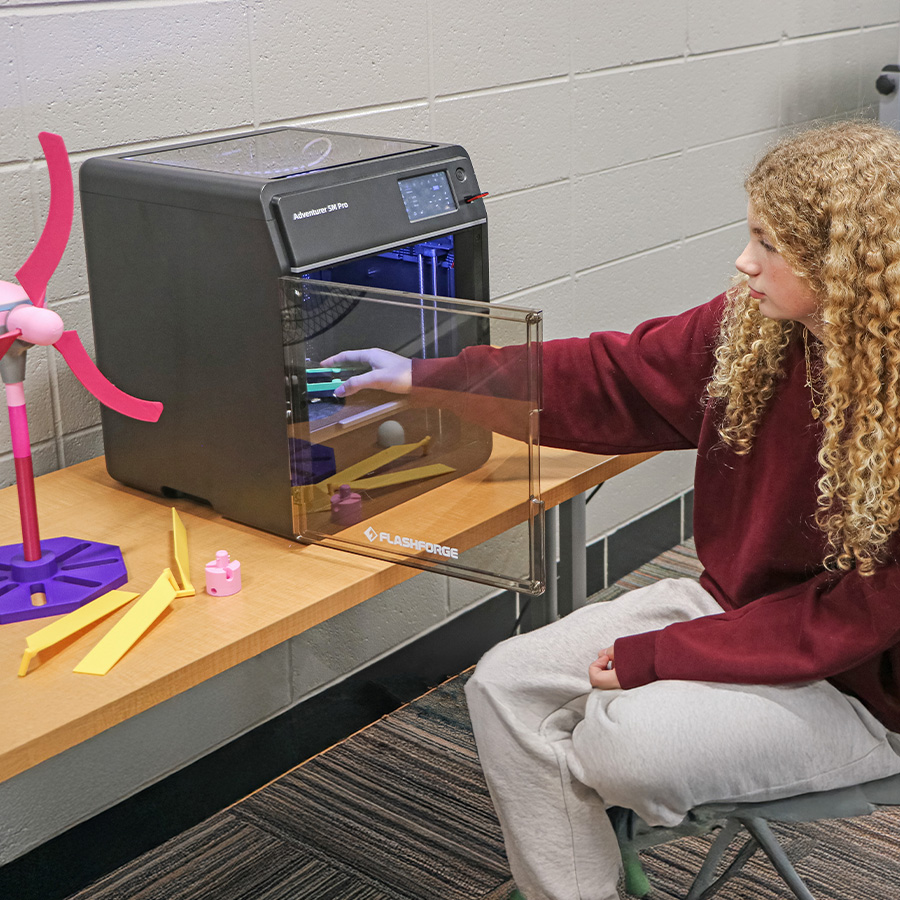
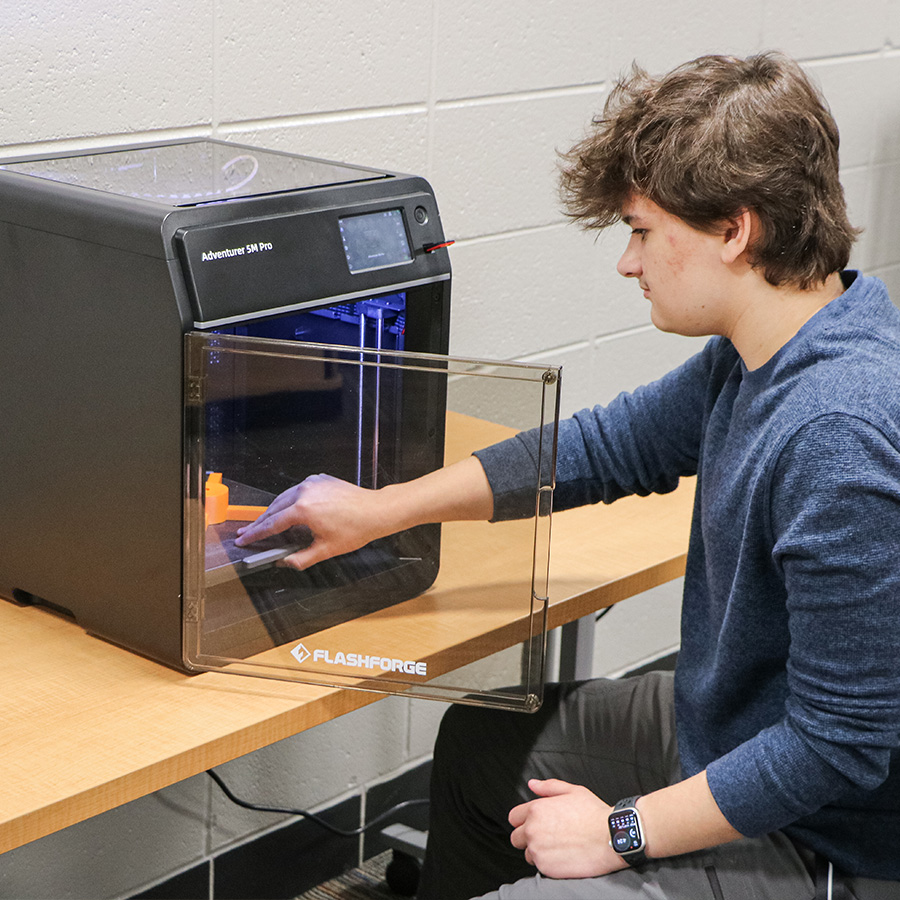
- 3D printer*
- 3D Printer Components Kit*:
- Nozzle kit
- Spool of 250 g PLA filament
- 4 spools of 1 kg PLA filament
- 3D Printer Tool Kit*:
- Micro flush cutter
- Scraper
- Glue stick pack
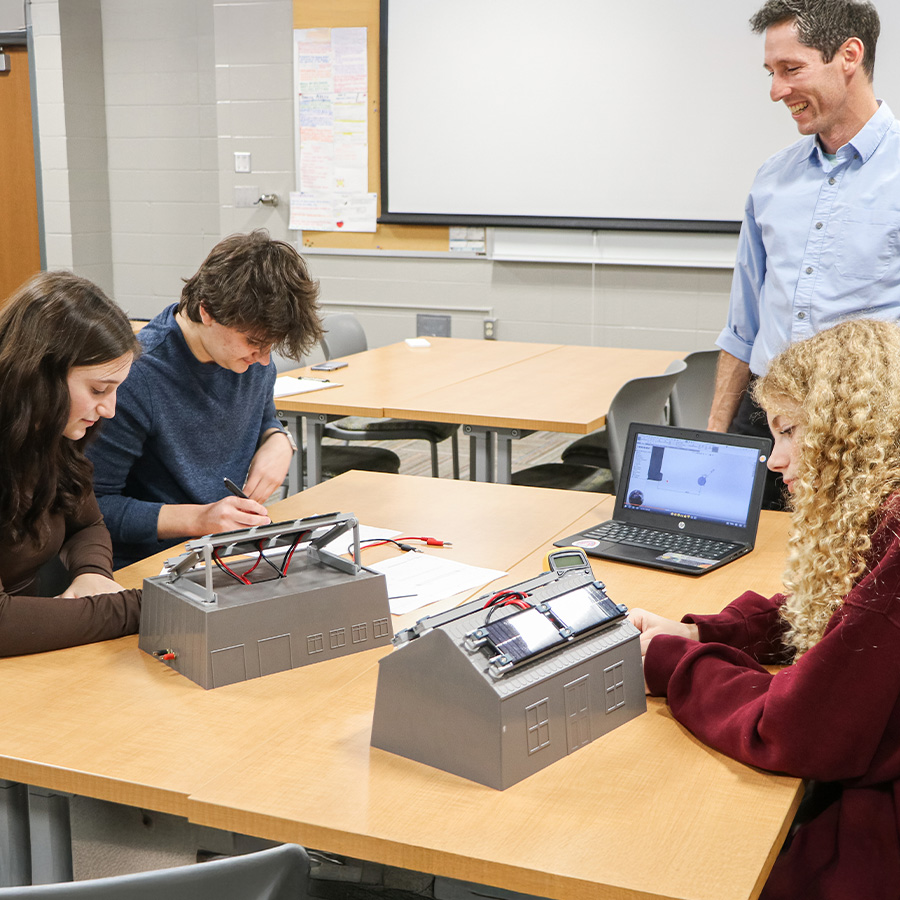
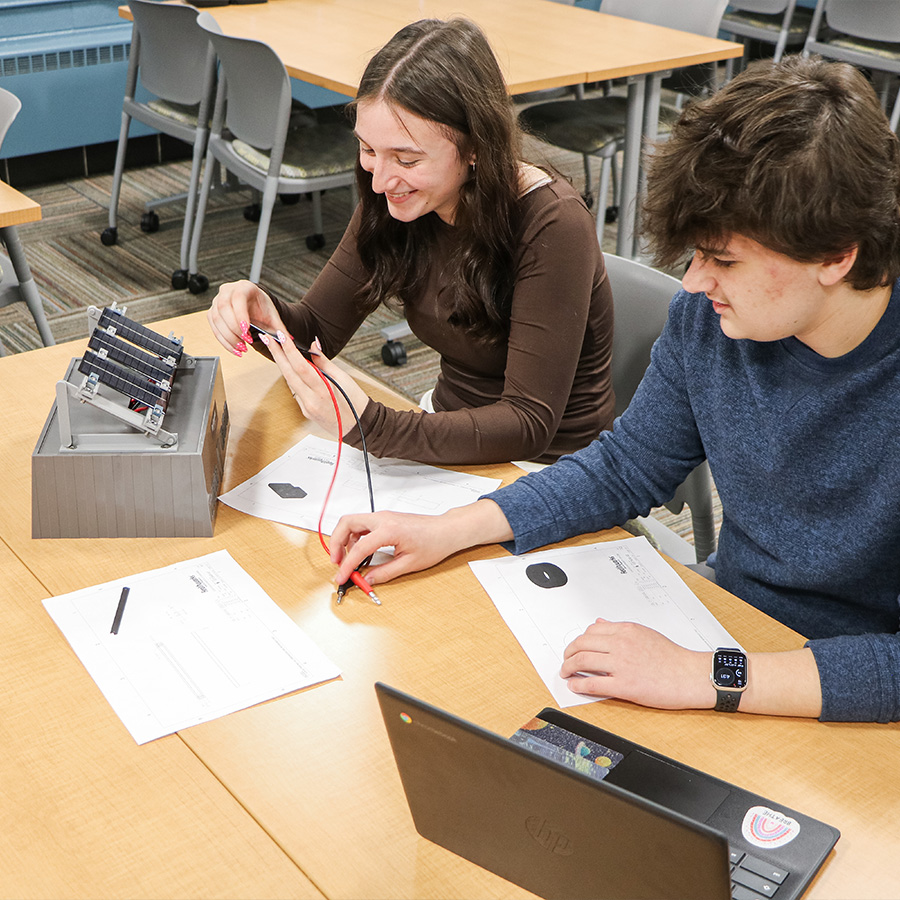
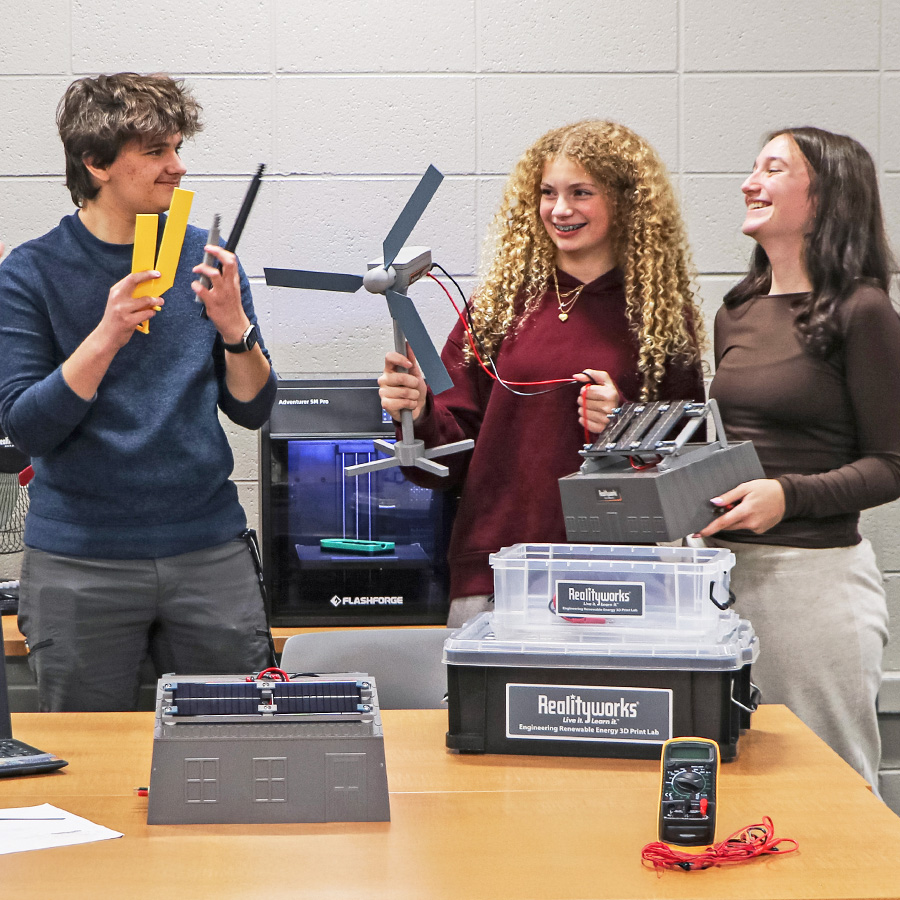
- Solar Hardware Kit:
- 16 solar panels
- 8 commercial and residential structures for mounting (4 of each)
- 4 multimeters
- Mounting hardware and tools
- 4 storage boxes for student projects
- Ready-to-print CAD files
- Wind Turbine Hardware Kit:
- 4 wind turbine mechanical units
- 4 multimeters
- Mounting hardware and tools
- Tabletop fan
- 4 storage boxes for student projects
- Ready-to-print CAD files
- Downloadable Engineering Renewable Energy Curriculum and student engineering workbook
- 1-year warranty
Note: Asterisked (*) items only come when you purchase the product with the 3D printer.
Curriculum
Engineering Renewable Energy Curriculum
Lesson topics:
1. Introduction to the Solar Design Challenge
2. 3D Design Basic Solar Components
3. Learn the EasyPrint Slicer or OrcaSlicer Program
4. Preparing Solar Files for Printing in the Slicer
5. Operating the Printer and Printing Solar Components
6. Build, Test, and Improve the Solar Power Systems
7. Introduction to the Wind Turbine Design Challenge
8. 3D CAD Design Wind Turbine Components
9. Preparing Wind Turbine Files for Printing in the Slicer
10. Operating the Printer and Print Wind Turbine Components
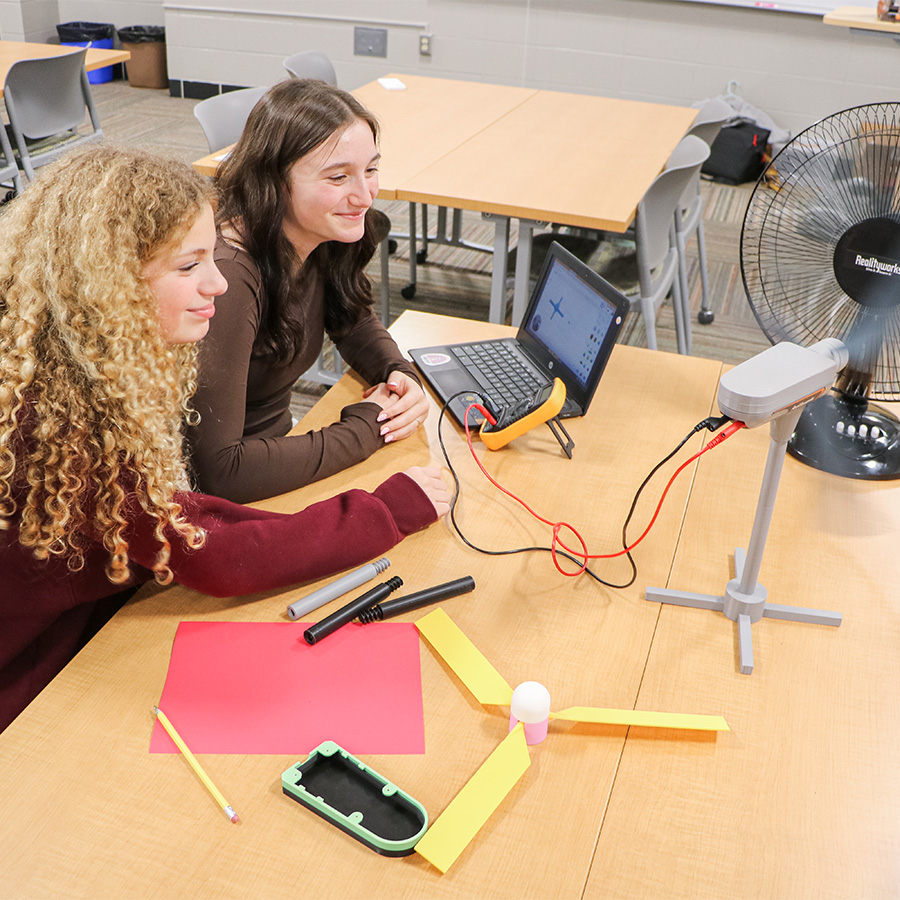
11. Build, Test, and Improve the Wind Turbine
Teaching hours: 9-30
Includes: Presentation slides, student activities, and assessment tools
Engineering Renewable Energy Curriculum Overview
Engineering Renewable Energy Curriculum Sample
FAQs
What grade levels is this lab designed for?
This lab is ideal for high school courses in construction, agriculture, engineering, CAD, civil engineering, robotics, manufacturing, and STEM. In middle school, it’s an excellent tool for classes covering career exploration, engineering, tech ed, trades exploration, and STEM.
Does the lab include a 3D printer?
We offer two purchase options for this lab, one with a printer and one without.
Can I use my own 3D printer with this lab?
Yes! The curriculum is easy to adapt to any 3D printer.
Do students need prior experience with 3D printing or CAD?
No, the included tutorials and step-by-step curriculum make it accessible for beginners.
What software skills will students learn?
Students will have access to expert-led tutorials for Tinkercad, Autodesk Fusion 360, and SolidWorks to develop CAD design proficiency. Students will also learn how to use slicer programs to prepare 3D files for printing.
Who is the expert in the tutorials and what are their qualifications?
The tutorials are led by Aaron Rhodes, a mechanical engineer and owner of an engineering design company. He has about 20 years of experience in product design and manufacturing. Rhodes has worked in labs and factories across the U.S., Asia, and Europe. He has used CAD and 3D printing to develop everything from simple prototypes to patented industrial equipment.
What renewable energy concepts are covered?
Solar power systems, wind turbine technology, and energy conversion principles.
How many lessons are included in the curriculum?
The lab includes an 11-lesson curriculum totaling approximately 19 teaching hours.
Is teacher training or support provided?
Yes, expert-led tutorials and printable student engineering workbooks are included for easy classroom integration.
Can the lab be used for career and technical education (CTE) programs?
Absolutely! It’s designed to prepare students for careers in renewable energy and engineering fields. CAD tutorials align with industry certifications offered with SolidWorks and Autodesk.
How many labs would you recommend for a 20-student classroom?
We recommend one lab for a 20-student classroom.
What other program support do you provide?
We offer free webinars, blogs, and classroom resources to help your program succeed.
Specs
3D Printer Dimensions: 363 x 402 x 448 mm


Reviews
There are no reviews yet.